Background
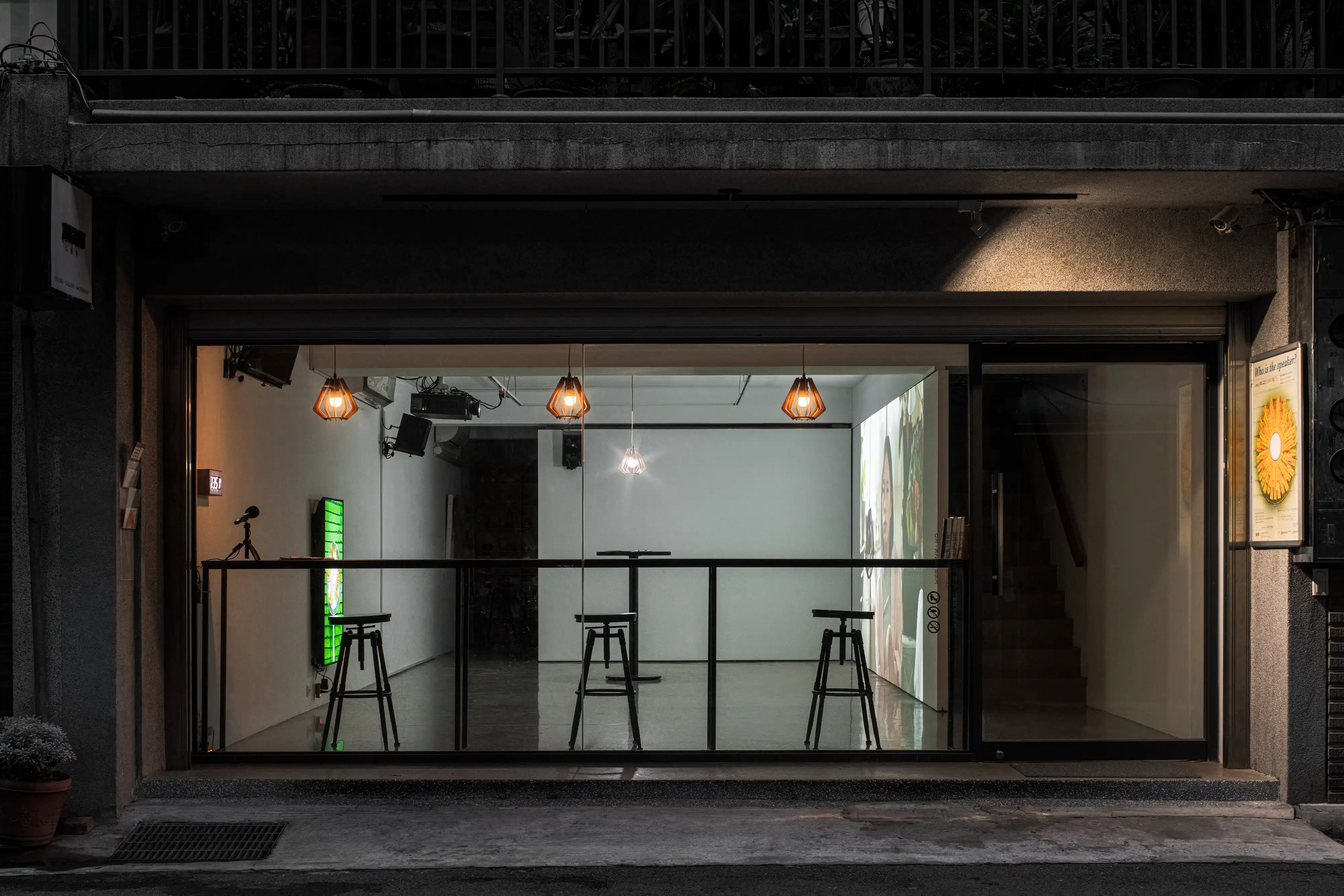
This project is developed specific for Lin Pei-Yao Solo Exhibition: Who is the speaker? (2025).
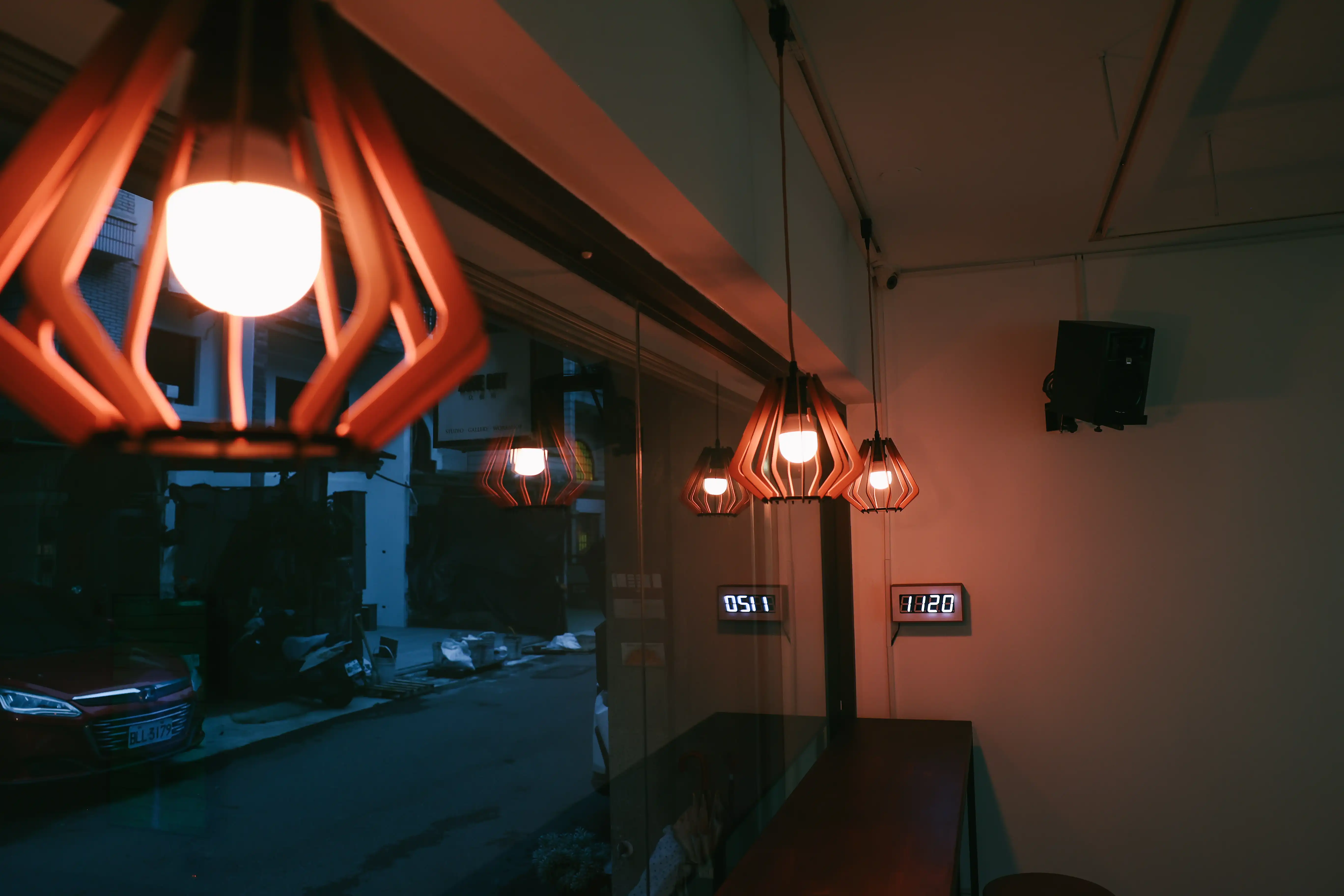
In this exhibition, it required speech recognition for selected keywords, and perform specific actions, including smart light control and video playhead control. The speech recognition is done in real-time, deployed locally on a Raspberry Pi.
For example, in the command “Drink Tea”, it blinks one set of lights and seeks the video to a specific time (00:25) and jumps back to original position after 10 seconds.
Different voice commands have different actions, and some of them may depends on each other.
To make the concurrent events manageable, I used Reactive Programming design pattern via RxPy.
Structure
The program is divided into three parts: Events, Commands, and Actions.
Events are the input to the system, including microphone and WebSocket inputs. It will be transform into an Observable stream.
Actions are the output behaviours. Including light control and video playhead control.
Commands are the business logic. Freely connecting, composing, mixing all the inputs, and producing one output. Can be easily customised by user needs.
- Events (inputs)
- Microphone -> Vosk -> Keyword extraction
- WebSocket -> Current timecode
- Commands
- Define the pipeline logic for every command
- Written in Reactive Programming styles
- No hidden state management. Easy to update
- Actions (outputs)
- Light control -> LIFX LAN API
- Video playhead control -> HTTP request
Keywords Recognition
I used Vosk as the offline speech recognition model, because it is small enough to run on a Raspberry Pi.
The original accuracy of the model is not good, and it is designed as a speech-to-text model, not for recognise specific keywords.
I customised the vocabulary list to make it only select tokens that appears the keyword list.
It’s also important to include [unk] in the list, to prevent the model output unknown words.
Synchan Integration
The video playing system is Synchan, a multichannel multidevice synchronised video playing system. It allows control via HTTP requests, and it updates the current time code to every clients via WebSocket. The time code is parsed as an Observable stream, and used to perform action according to video time code.
For example, in the beginning of the video, it turns on the light in the exhibition as the light is turned on in the video. And in the command “Drink Tea”, it seeks the video to back to 00:25, where the performer asked “Would you like some tea?”, and seeks back to the original playhead after 10 seconds.
Tech Stack
Gallery

Want to Try?
Currently available by invitation only. For inquiries, please contact [email protected]


 授權條款
授權條款